Ninespin
Rotation Puzzle: Spin the Ring
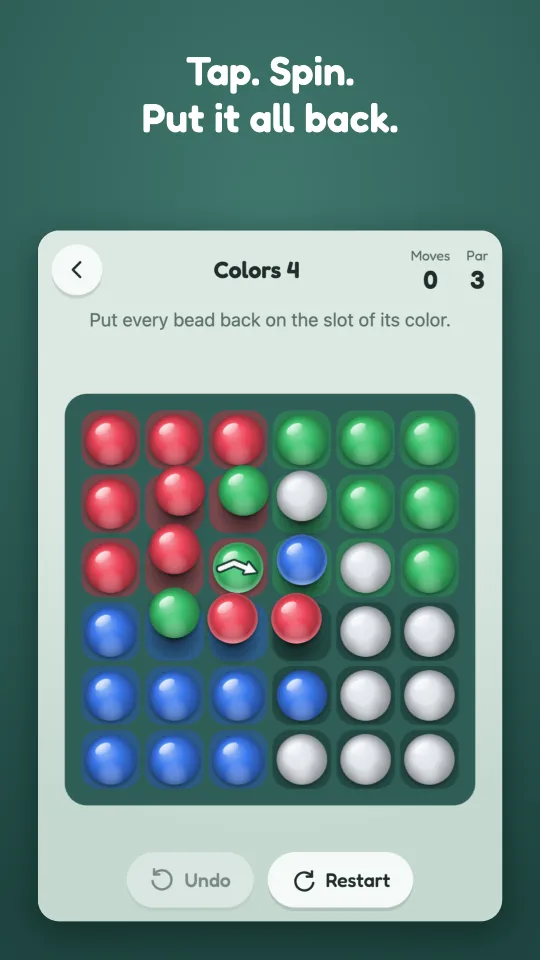
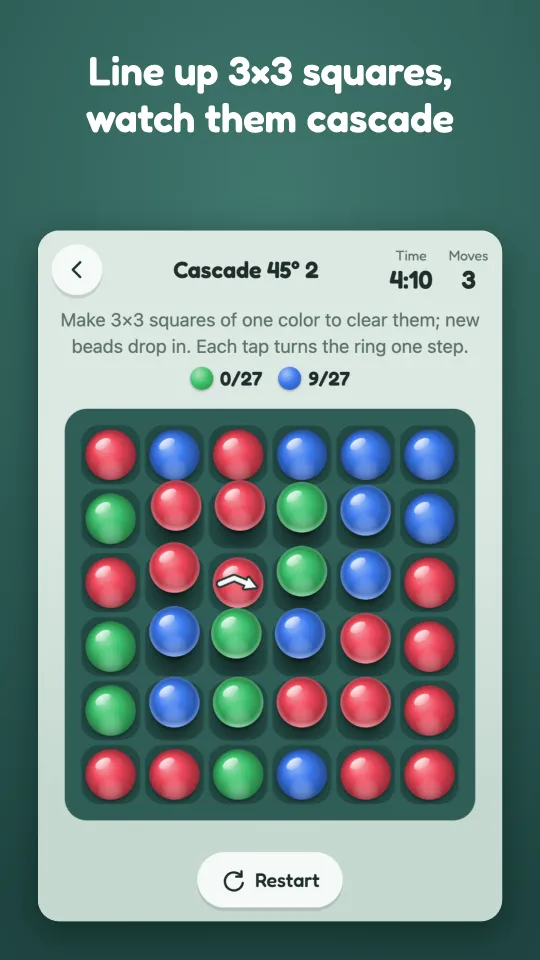
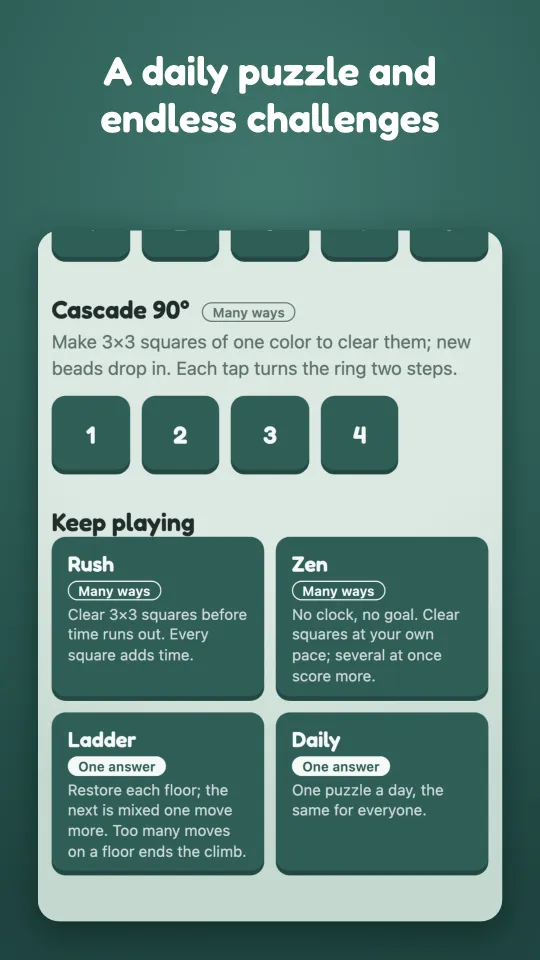
Tap the center bead and the ring of eight beads around it turns. That's the only move. Ninespin hands you a scrambled board to put back in order, one turn at a time, across six worlds of colors, numbers, 3×3 matches and cascades, plus Daily, Rush, Zen and Ladder modes. No login, no account, plays offline.
Play in your browser · iOS and Android versions coming soon.
Support
Questions or feedback: farlasonao@gmail.com. Please say which device and version you play on.
FAQ
Can I move my progress to another phone or browser? Yes. Open Settings (the gear on the home screen) and copy, share or save your backup code. On the other device, open Settings, paste the code (or open the file) and tap Restore. A restore replaces that device's progress. Purchases are not in the code: restore them from the store (below).
How do I remove ads or restore a purchase? "Remove ads" at the bottom of the home screen turns ads off for good with a one-time purchase. The Supporter pack (no ads and every theme) is under Themes; if you already removed ads, the Supporter upgrade there adds the themes alone. On a new device or after reinstalling, tap "Restore purchases" at the bottom of the home screen.
Do I have to watch ads? No. The first stages have no ads, and ads appear between stages, never during a puzzle. The ad behind the Hint button is optional: you get free hints every day, and watching it only adds more.
How do I change my ad and analytics consent? In the EEA, the UK and Switzerland, the home screen shows "Privacy options", where you can change or withdraw your consent at any time.
Do I need Game Center or Google Play Games? No. If your device is signed in, achievements and leaderboards appear under Settings; otherwise the game works the same.
Privacy
See the Ninespin Privacy Policy.